Mods 7 of 36 on
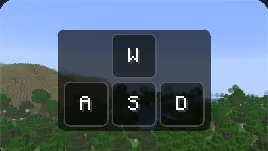
  • Keystrokes, as the game's Mods window previews it
  • Coordinates, as the game's Mods window previews it
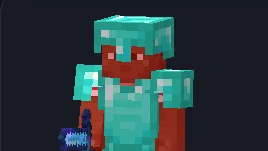
  • Armour status, as the game's Mods window previews it
  • Clock, as the game's Mods window previews it
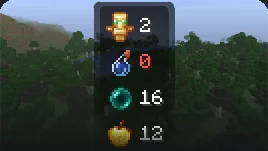
  • Item counters, as the game's Mods window previews it
  • Saturation, as the game's Mods window previews it
  • Crosshair, as the game's Mods window previews it
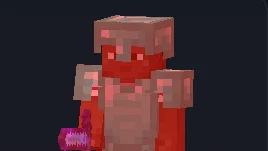
  • Hit colour, as the game's Mods window previews it
  • Block outline, as the game's Mods window previews it
  • 1.8 combat look, as the game's Mods window previews it
  • Totem pops, as the game's Mods window previews it
  • Overlay tweaks, as the game's Mods window previews it
  • Zoom, as the game's Mods window previews it
  • Fullbright, as the game's Mods window previews it
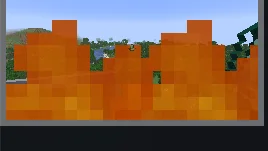
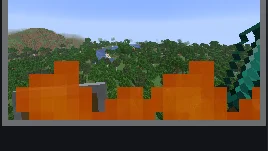
  • Time and weather, as the game's Mods window previews it
  • Clear water and lava, as the game's Mods window previews it
  • Glint colour, as the game's Mods window previews it
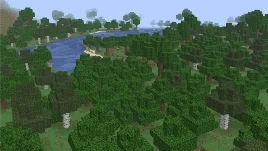
  • Dynamic lights, as the game's Mods window previews it
  • Motion blur, as the game's Mods window previews it
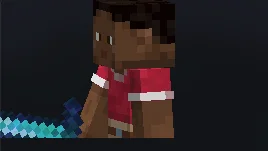
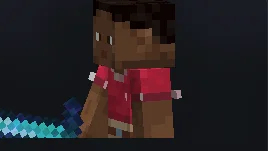
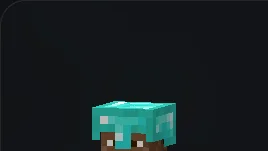
  • 3D skin layers, as the game's Mods window previews it
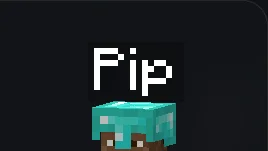
  • Own name tag, as the game's Mods window previews it
  • Hide block particles, as the game's Mods window previews it
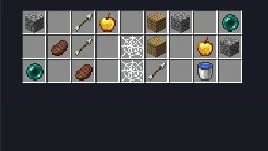
  • Mouse tweaks, as the game's Mods window previews it
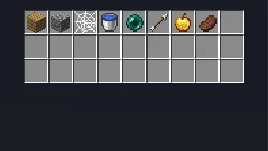
  • Inventory sort, as the game's Mods window previews it
  • Enchantment numbers, as the game's Mods window previews it
  • Auto-reconnect, as the game's Mods window previews it

HUD

  • Keystrokes, as the game's Mods window previews it

    Keystrokes

    Movement keys, mouse buttons and jump, lit while held, with CPS.
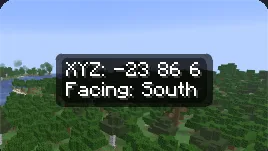
  • Coordinates, as the game's Mods window previews it

    Coordinates

    Where you are and which way you face.
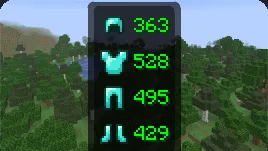
  • Armour status, as the game's Mods window previews it

    Armour status

    The armour you wear, head first, with uses left on each piece.
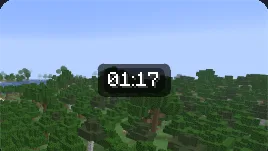
  • Clock, as the game's Mods window previews it

    Clock

    Your computer's time.

  • Item counters, as the game's Mods window previews it

    Item counters

    How many totems, healing potions, pearls and more you carry.
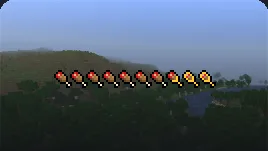
  • Saturation, as the game's Mods window previews it

    Saturation

    Saturation and exhaustion on the hunger bar, and what food gives you.

  • FPS

    Frames drawn in the last second.

  • CPS

    Your left and right clicks in the last second.

  • Potion effects

    Your effects and the time left on each, as a list, on vanilla's icons or compact.

  • Ping

    The latency the server reports for you.

  • Server address

    The address of the server you play on.

  • Combo counter

    Hits in a row the server confirmed.

  • Reach

    How far your last hit landed. Display only: it never changes your reach.

  • Speed

    How fast you move across the ground.

PvP
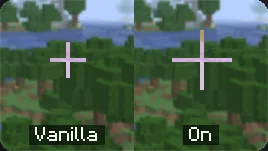
  • Crosshair, as the game's Mods window previews it

    Crosshair

    Your own crosshair instead of vanilla's: shape, size, gap, colour.
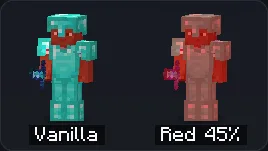
  • Hit colour, as the game's Mods window previews it

    Hit colour

    The colour mobs and players flash when they are hurt, on their armour and held items too.
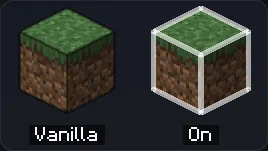
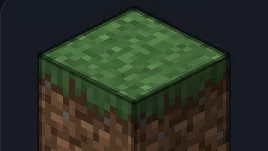
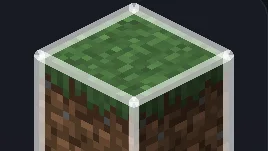
  • Block outline, as the game's Mods window previews it

    Block outline

    The outline round the block you look at: colour, width, fill.
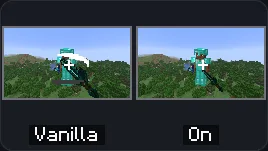
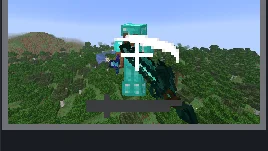
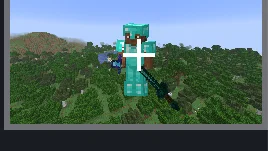
  • 1.8 combat look, as the game's Mods window previews it

    1.8 combat look

    Fights drawn as 1.8.9 drew them. What you send a server stays the same.
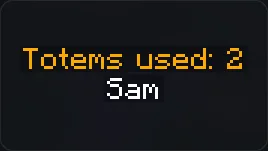
  • Totem pops, as the game's Mods window previews it

    Totem pops

    How many totems other players near you have used, over their name or in your chat.
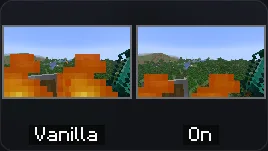
  • Overlay tweaks, as the game's Mods window previews it

    Overlay tweaks

    Lower fire, a smaller shield and a smaller totem animation.

  • Toggle sprint

    Sprint and sneak stay on without holding the key.

Visual
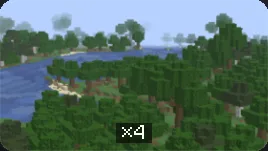
  • Zoom, as the game's Mods window previews it

    Zoom

    Hold a key to zoom in smoothly. Scroll to change how far.
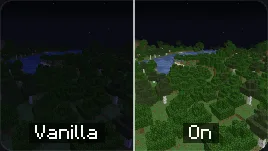
  • Fullbright, as the game's Mods window previews it

    Fullbright

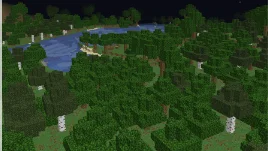
    Blocks and entities at full light, even in dark areas.
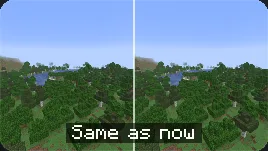
  • Time and weather, as the game's Mods window previews it

    Time and weather

    The time of day and the weather you see. The server's own world carries on.
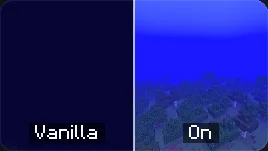
  • Clear water and lava, as the game's Mods window previews it

    Clear water and lava

    See as far under water and in lava as vanilla ever lets you.
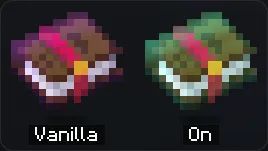
  • Glint colour, as the game's Mods window previews it

    Glint colour

    The colour of the shimmer on enchanted items and armour.
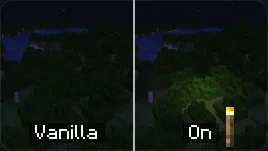
  • Dynamic lights, as the game's Mods window previews it

    Dynamic lights

    Torches and other lights you hold or drop light the blocks round them.
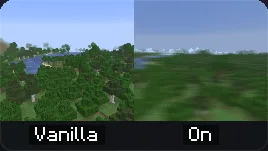
  • Motion blur, as the game's Mods window previews it

    Motion blur

    Blurs the world as the camera turns and moves, or leaves a fading trail of each frame. The hand and HUD stay sharp.
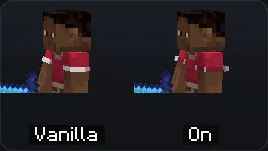
  • 3D skin layers, as the game's Mods window previews it

    3D skin layers

    Each pixel of a skin's outer layer drawn as a little block.
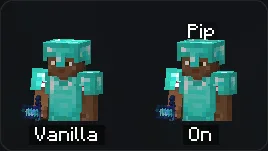
  • Own name tag, as the game's Mods window previews it

    Own name tag

    Your name over your head in third person, as others see it.
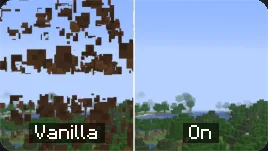
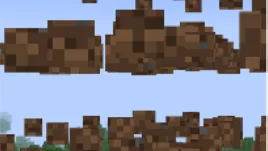
  • Hide block particles, as the game's Mods window previews it

    Hide block particles

    No debris from blocks you break or mine. Other particles stay.

Chat

  • Chat

    Compact chat, timestamps, copy on click, search and smooth lines.

Inventory
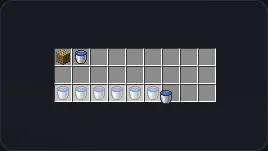
  • Mouse tweaks, as the game's Mods window previews it

    Mouse tweaks

    Drag to place one per slot, gather, or move every slot.
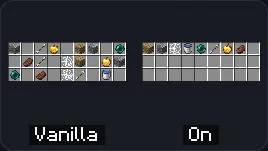
  • Inventory sort, as the game's Mods window previews it

    Inventory sort

    Sorts the inventory and chests in creative tab order.
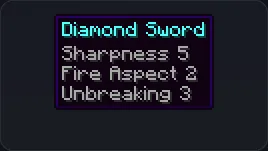
  • Enchantment numbers, as the game's Mods window previews it

    Enchantment numbers

    Tooltips say Sharpness 5 instead of Sharpness V.

Other
  • Auto-reconnect, as the game's Mods window previews it

    Auto-reconnect

    Rejoins a server after a lost connection or a restart.

Play on Pip Client

Download coming soon

Get notified on Discord